Encrypted local vault
OTP seeds remain protected locally and do not require an OTP Harbor cloud account.
 OTP Harbor
Android 9+ · Open source · GPLv3
Carry your TOTP codes in an encrypted local vault. Scan account and Google Authenticator transfer QR codes with the camera, unlock biometrically and move data through portable encrypted backups.
Production-signed universal APKs are published only with OTP Harbor GitHub releases. Verify the release source before sideloading.
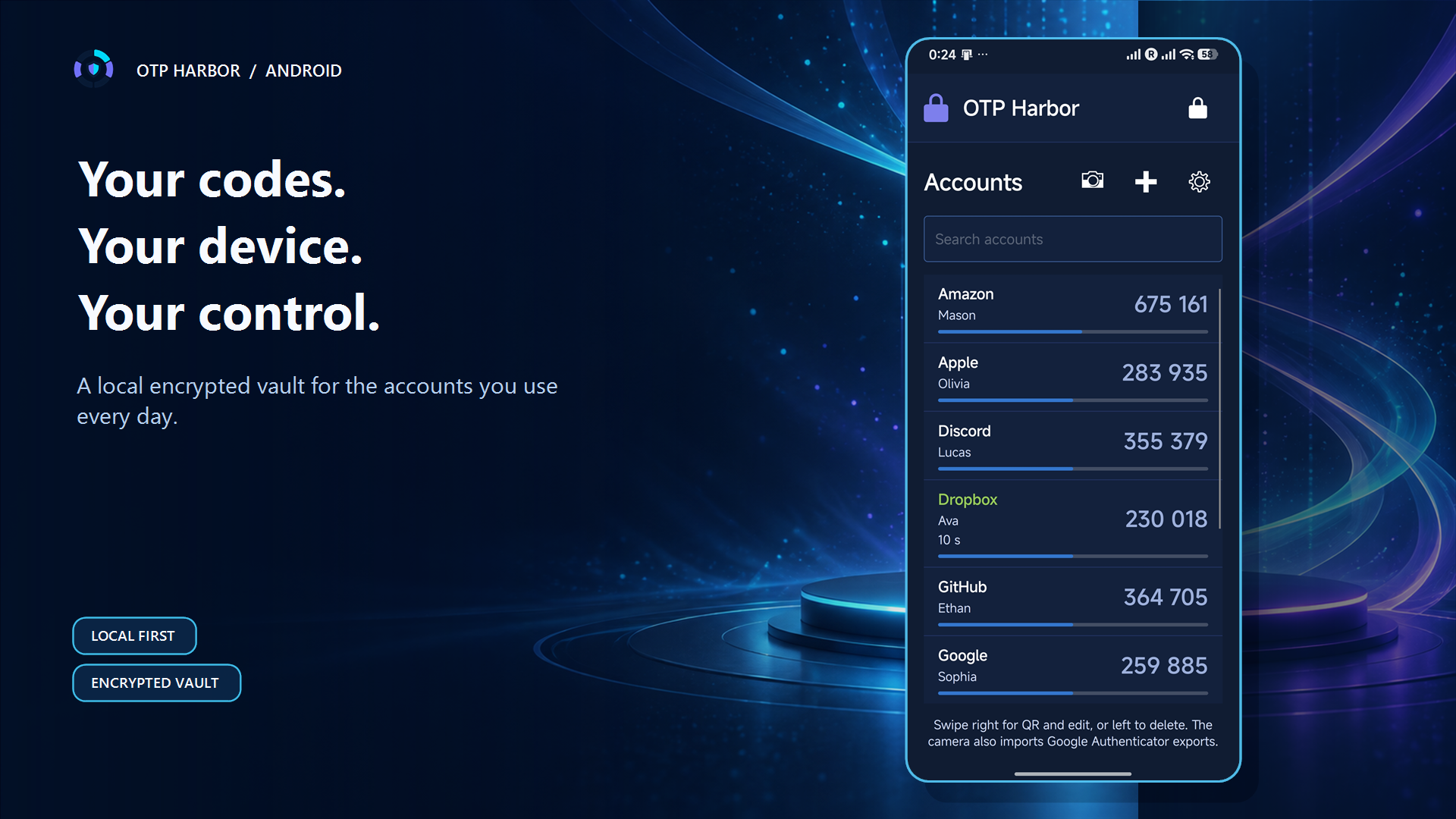
Authentic Android experience
Every interface shown below comes from the real Android app running with a reviewed synthetic vault. The campaign adds presentation and context, never invented controls.
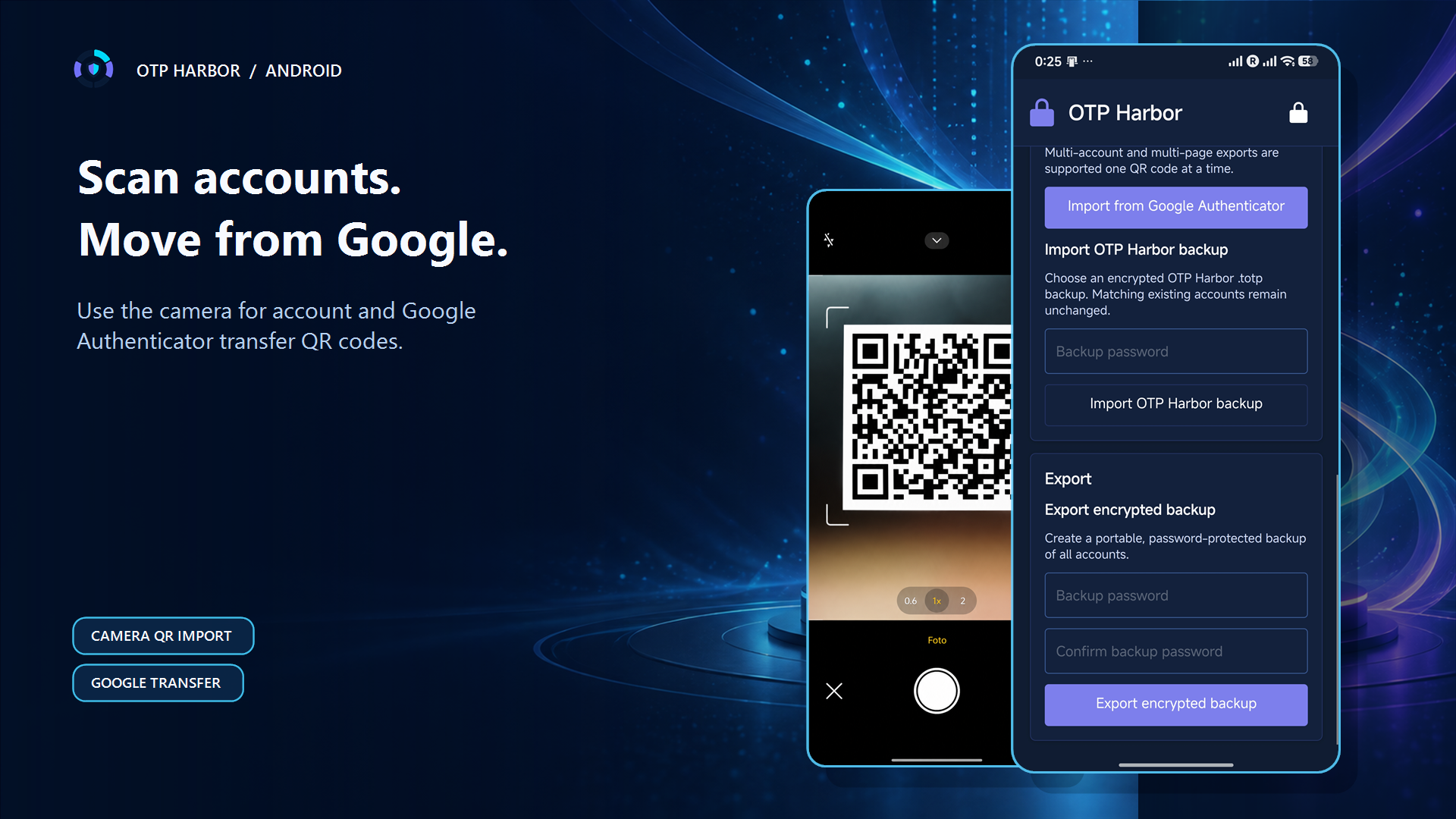
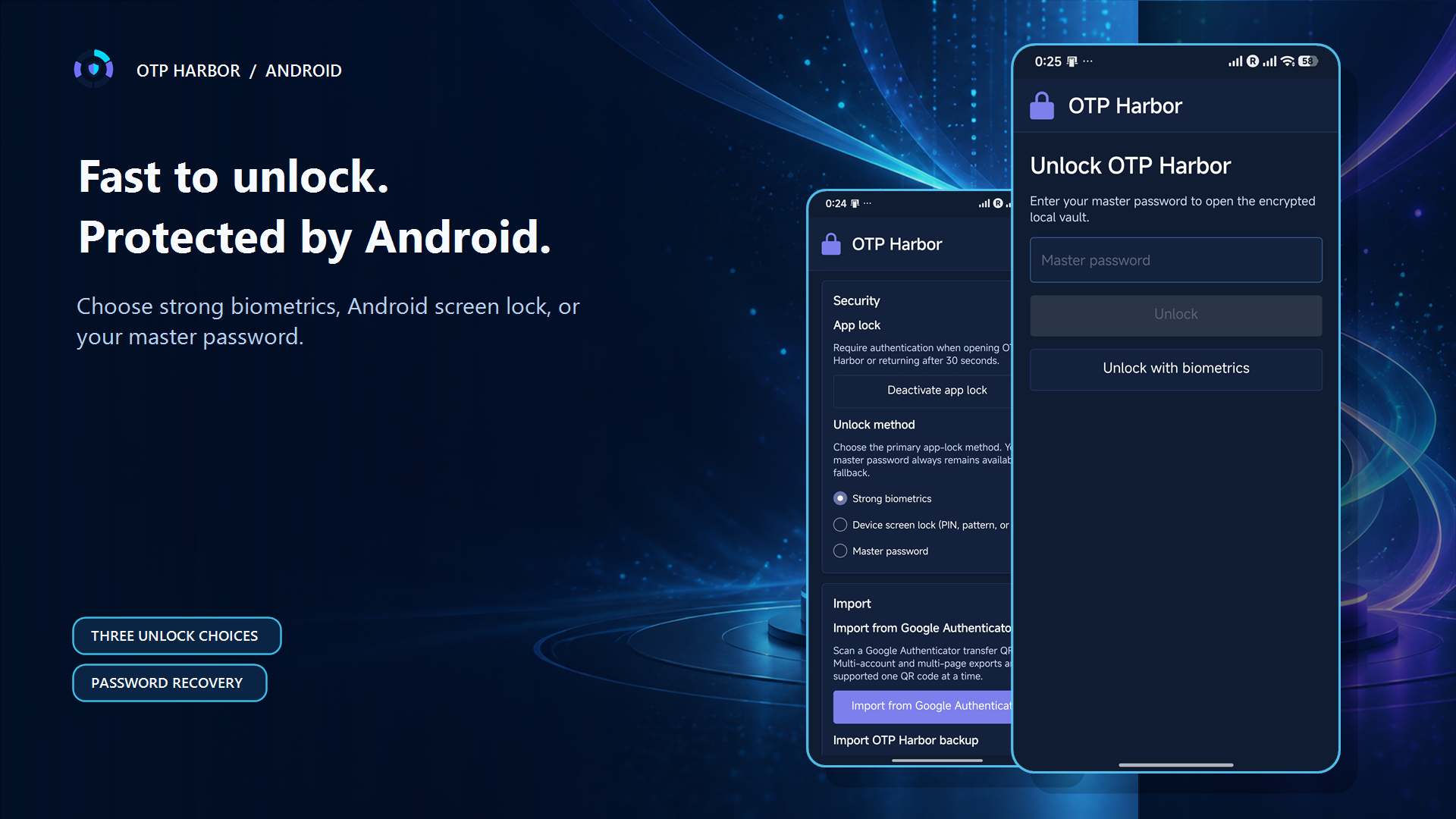
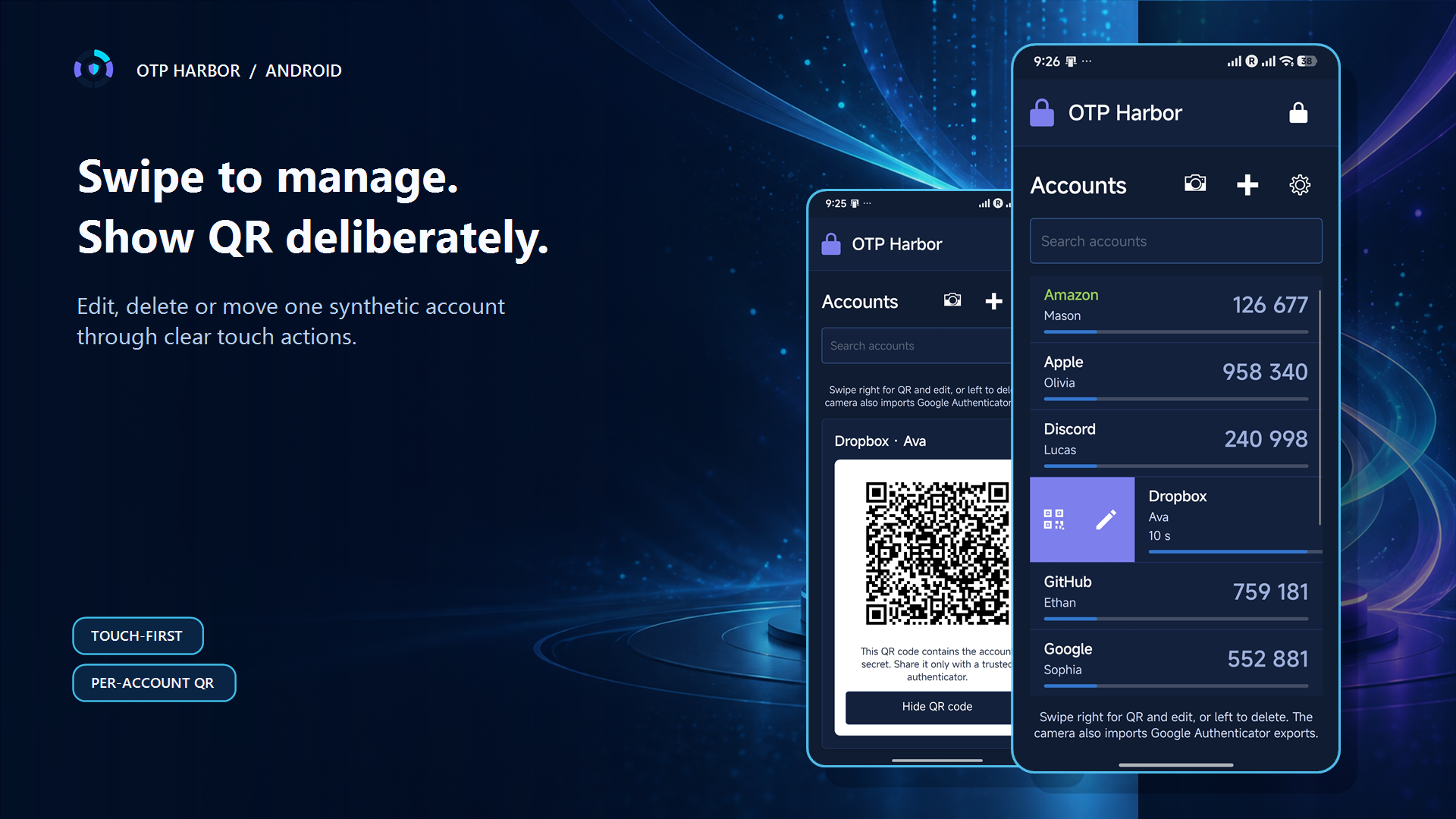
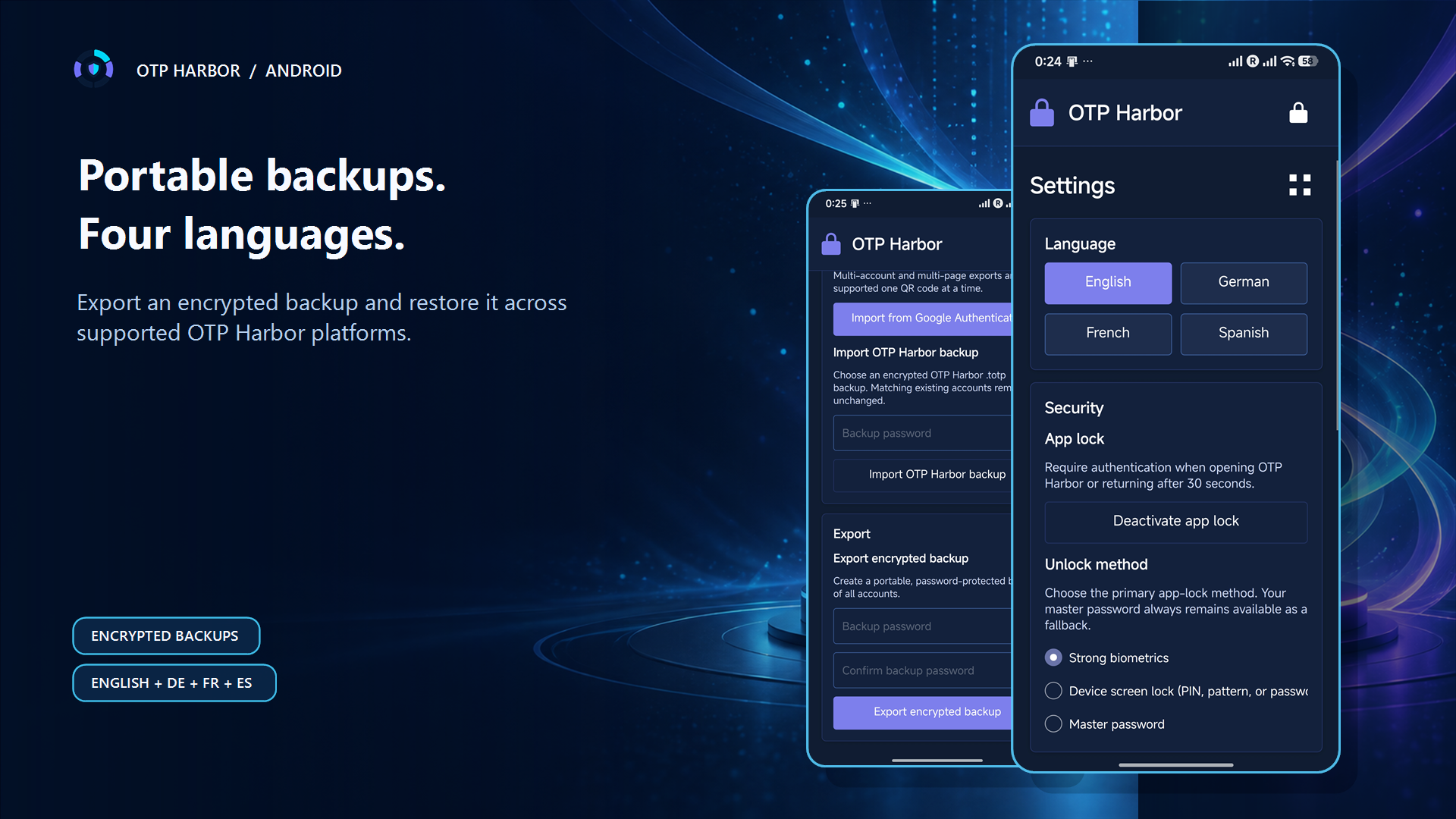
OTP seeds remain protected locally and do not require an OTP Harbor cloud account.
Scan standard account QR codes and Google Authenticator transfer QR codes directly.
Choose strong biometrics, the Android device screen lock (PIN, pattern, or password), or the master password. The master password always remains available as recovery.
Create password-protected backups compatible with supported OTP Harbor platforms.
Copy codes and manage accounts through touch-oriented actions designed for smaller screens.
GitHub APKs use the permanent package ID io.github.legends.otpharbor and a pinned signing certificate verified by release automation.
Touch-first workflow
Tap to copy. Swipe right for QR and edit, or left for confirmed deletion. Scan standard account and Google Authenticator transfer QR codes through the system camera, and show an account QR only when moving it to a trusted authenticator.
The complete guide also explains encrypted backup conflict resolution, biometric and device-screen-lock recovery, the 30-second background grace period, and the explicit app-lock opt-out.
Open the Android user guide →One product, multiple platforms
OTP Harbor keeps Android and desktop within one product and security model. Each platform is distributed as its own native package; the Android APK is never bundled into a desktop installer.
Before moving accounts, create and test an encrypted backup. QR codes, OTP seeds, generated codes and backup passwords are sensitive information.