Encrypted local vault
TOTP seeds are protected locally using AES-256-GCM encryption with a key derived from your master password using Argon2id.
 OTP Harbor
Open source · GPLv3 · Local first
OTP Harbor is a GPLv3-licensed open-source TOTP authenticator for Windows, Linux and Android, with macOS support in final platform testing. OTP Harbor keeps your two-factor authentication secrets in an encrypted local vault. Scan QR codes, generate one-time passwords, use quick unlock and create portable encrypted backups without requiring a cloud account.
OTP Harbor 2.0.1 is now publicly available from Microsoft Store, the primary Windows channel. OTP Harbor 2.0.1 is the stable desktop GitHub release for Linux and source archives. OTP Harbor Android 2.0.1 is the current APK version; Android updates use dedicated GitHub releases.
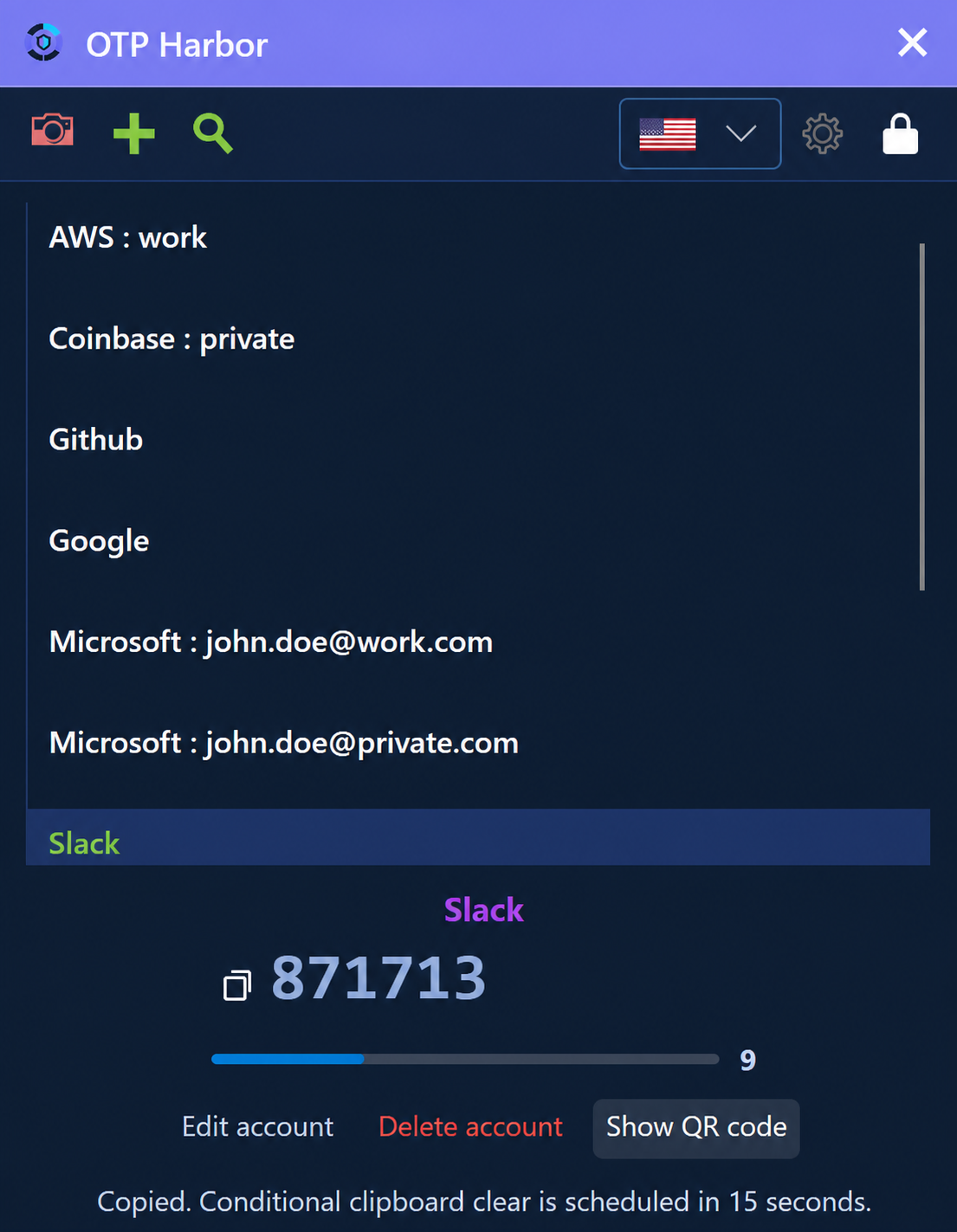
Private TOTP authenticator
OTP Harbor is an open-source authenticator application for time-based one-time passwords (TOTP). TOTP is the standard commonly used by websites and services when they ask you to scan a QR code while enabling two-factor authentication or multi-factor authentication.
Instead of storing your authentication secrets in an OTP Harbor cloud service, the application keeps them locally in an encrypted vault. TOTP codes are generated on your device from the stored secret.
OTP Harbor supports standard
otpauth:// QR codes as well as Google
Authenticator transfer QR codes for bulk migration.
TOTP seeds are protected locally using AES-256-GCM encryption with a key derived from your master password using Argon2id.
Generate your two-factor authentication codes locally without requiring an OTP Harbor cloud account or cloud-based vault.
Add authenticator accounts by scanning standard TOTP QR codes instead of manually entering long Base32 secrets.
Import accounts from Google Authenticator transfer QR code images, including multi-part exports containing multiple authenticator accounts.
Use platform-specific quick unlock while retaining the master password as the portable recovery path for your encrypted vault.
Create portable encrypted backups and restore them on supported OTP Harbor platforms instead of depending exclusively on a single device.
Right-click an existing desktop account to edit it, show its QR code or delete it after confirmation.
Security and privacy
OTP Harbor is open-source software licensed under GPL-3.0-only. Its source code, security model and release process are publicly available for inspection.
The repository publishes its threat model, recovery guidance, security verification evidence, release controls and private vulnerability-reporting path.
Downloads and platform support
OTP Harbor is developed as a cross-platform authenticator. Release stages differ by operating system. The Windows app is publicly available from Microsoft Store.
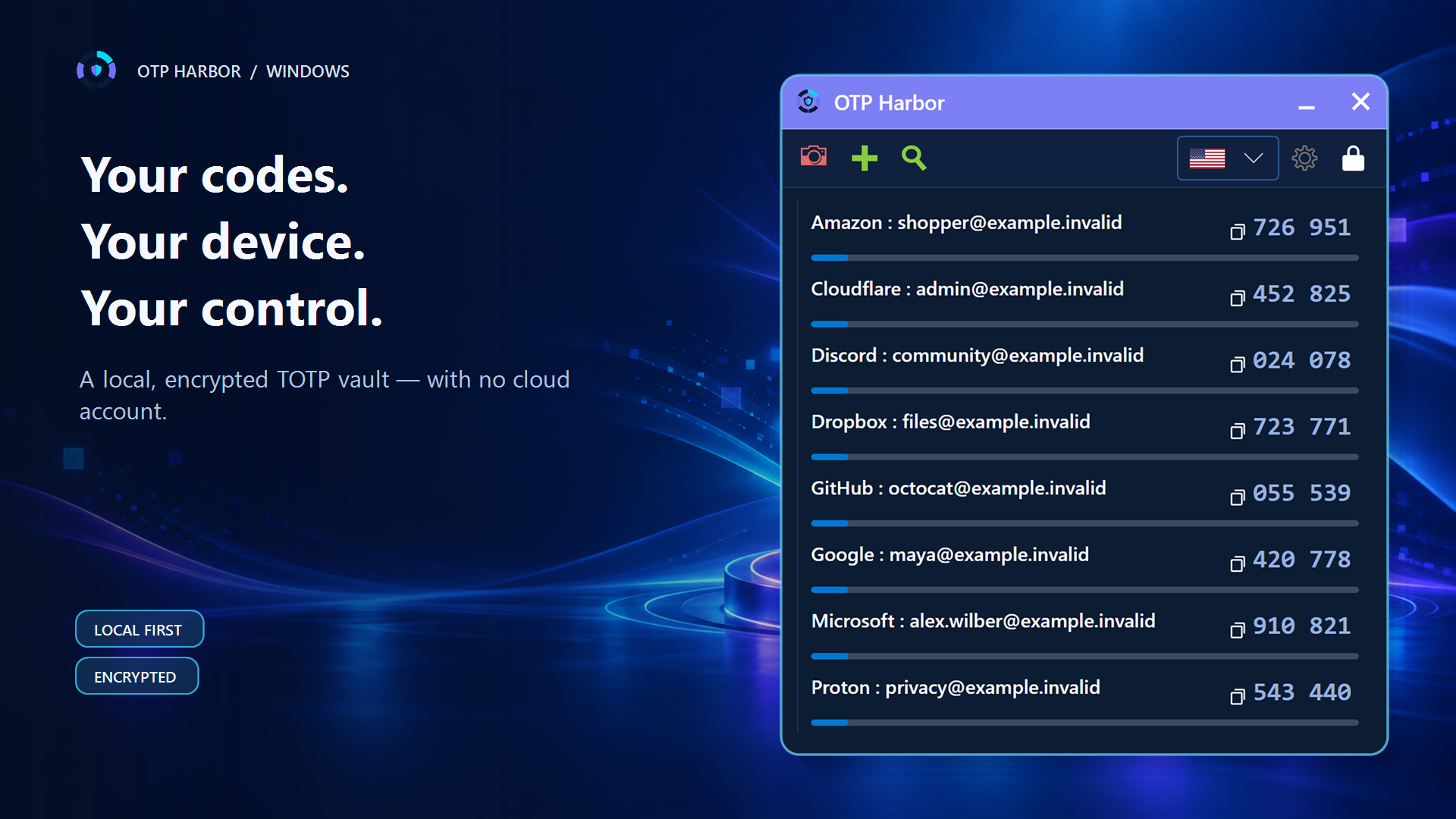
Native desktop TOTP authenticator, publicly available from Microsoft Store. Stable GitHub releases do not distribute unsigned Windows binaries.
The macOS authenticator implementation is built and exercised in CI. Physical MacBook acceptance, production signing and notarization are still required.
Ubuntu/Debian packages and portable Linux builds are available from the stable GitHub release. DEB updates remain package-manager-owned; portable builds use the signed GitHub update feed.
The native Android edition provides biometric quick unlock, camera-based QR scanning, swipe actions and compatible encrypted backups. Its production-signed APK is available from dedicated Android GitHub releases.
Explore OTP Harbor for AndroidInterface languages: English, German, French and Spanish.
Authenticator migration
OTP Harbor recognizes both normal
otpauth:// TOTP QR codes and Google
Authenticator migration QR codes.
To migrate multiple accounts, start the account export in Google Authenticator, save a crisp screenshot of each generated transfer QR code, then choose each image under Settings > Import / Export. Importing the original pixels avoids unreliable desktop-camera focus and resolution. Multi-part exports are selected in sequence.
Migration QR codes contain authentication secrets and must therefore be treated as sensitive information. After migration, verify several generated codes and create a fresh encrypted backup.
Frequently asked questions
OTP Harbor is an open-source TOTP and two-factor authentication application that stores authenticator secrets in an encrypted local vault and generates one-time passwords on your device.
Core TOTP generation and access to the local encrypted vault do not require an OTP Harbor cloud account. Authentication codes are generated locally.
Yes. OTP Harbor supports normal TOTP QR codes and saved Google Authenticator transfer QR code images used for bulk account migration.
OTP Harbor stores OTP seeds in an AES-256-GCM encrypted local vault and derives the vault key from the master password using Argon2id.
OTP Harbor currently uses the common TOTP profile: SHA-1, six-digit codes and a 30-second period, following the widely used TOTP standard defined by RFC 6238.
OTP Harbor is open-source software licensed under GPL-3.0-only. GPLv3 permits use, modification, commercial redistribution, and forks when its copyleft and corresponding-source requirements are followed.
OTP Harbor targets Windows, macOS, Linux and Android 9 or newer. Distribution and acceptance status differs by platform.
Yes. OTP Harbor supports encrypted backup and restore so the vault can be recovered or transferred between supported platforms.
Open-source project · Help wanted
We need physical validation of installation, Keychain quick unlock, camera and QR behavior, encrypted backup and restore, locking and packaging. Test only with synthetic accounts—never real secrets.
Independent open-source project
OTP Harbor is an independent open-source project. References to Google Authenticator, Microsoft Windows and other third-party products identify compatible platforms or migration formats only.
OTP Harbor is not affiliated with or endorsed by Google, Microsoft or other authentication providers.